How Viewora Works
Transform your 360° panoramas into fully interactive virtual tours in four simple steps. No technical skills required.
1. Upload 360° Panoramas
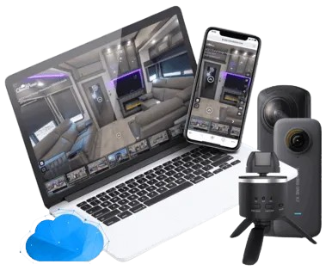
Take photos with any 360° camera (Insta360, Ricoh Theta, GoPro MAX) or even a smartphone panorama app. Upload them directly to your Viewora dashboard. Our system automatically processes high-resolution files to ensure fast loading times on any device.
2. Create Room Connections
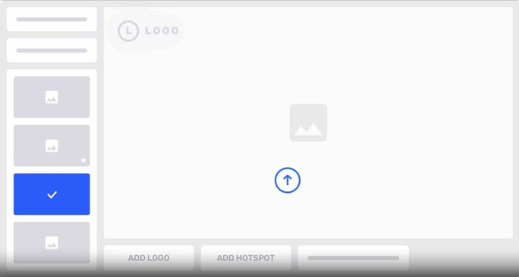
Use our visual editor to link your rooms together. Simply point and click to add navigation hotspots ("arrows" or "targets"). When a viewer clicks a hotspot, they are seamlessly transported to the next room, creating a walking experience.
3. Publish Virtual Tour
Once your connections are set, click "Publish". Viewora instantly generates an optimized version of your tour. The tour is hosted on our secure, lightning-fast servers, so you don't need to worry about hosting or bandwidth.
4. Share With Clients
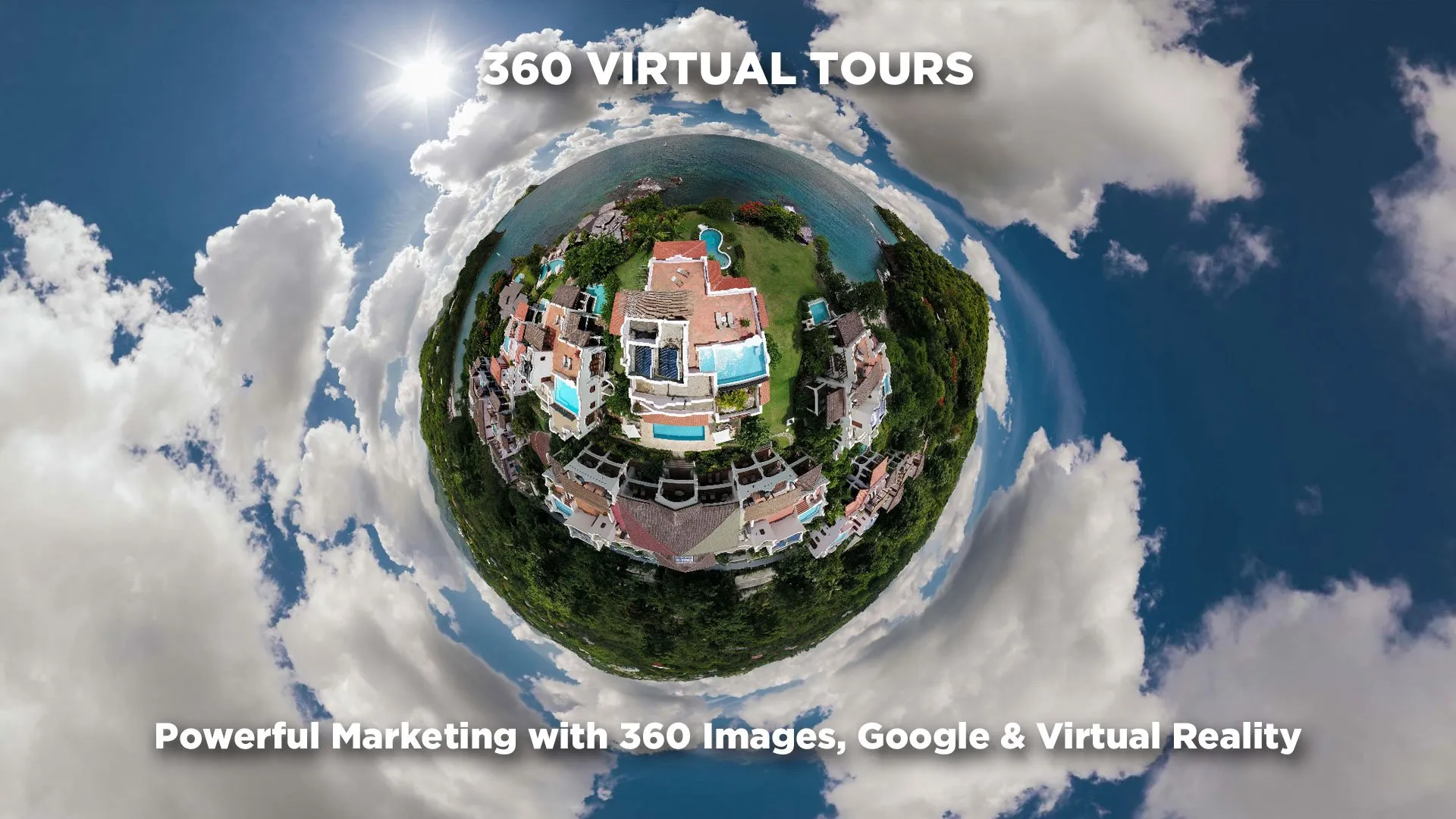
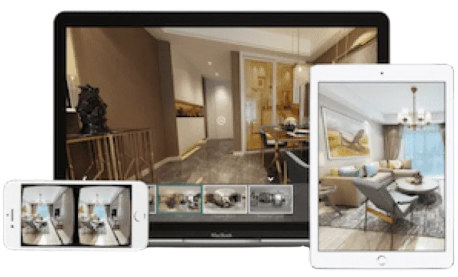
You will receive a unique, unbranded public link that you can share with potential buyers, renters, or guests. Embed it directly on your own website using our simple iframe code, or paste the link into WhatsApp, email, or your Airbnb listing.
Experience it Live
Interact with a real virtual tour created using the Viewora platform. This is the quality and fluidity your customers will experience.